
What it is
Reviewed support layer for founder-led SaaS
Product overview
AnswerLattice shapes docs, tickets, releases, screenshots, recordings, notes, and repeated replies into reviewed support for your in-app widget, hosted help center, FAQs, changelog, fallback tickets, and future AI agents.
Reviewed support layer for founder-led SaaS
Widget help, hosted help, FAQs, fallback, feedback, releases, and review
Safe context, owner approval, and scoped workspace access
Docs, tickets, releases, screenshots, recordings, notes, and feedback enter as evidence.
AnswerLattice keeps reviewed support knowledge in the middle.
Widget, hosted help, and the review queue use those approved answers.
System map
This is where AnswerLattice stops feeling like one widget. Scattered product knowledge becomes approved answers, hosted help, fallback paths, and review work.
Scattered docs, tickets, release notes, support replies, product notes, screenshots, recordings, and founder memory.
Billing, onboarding, settings, integrations, releases, setup flows, and errors.
Launch updates, stale guidance, repeated misses, low ratings, and ticket context.
Approved answers, hosted help, related articles, owner answers, or ticket fallback.
Missed questions, stale answers, repeated tickets, feedback, and draft improvements.
Hosted help, FAQs, changelog support, product-page guidance, and approved answers come from the same reviewed support knowledge.
Operating spine
AnswerLattice turns scattered setup material, tickets, docs, feedback, and reviewed answers into one support workflow instead of leaving them across separate tools.
01 / Founder-led support
A founder should know what to prepare, what users can use today, and what needs review next. That is the product story behind the support layer.
Prepare support before users rely on it.
Run day-to-day support from one layer.
Keep answers trustworthy as the product changes.
Prepare support before users rely on it.
Run day-to-day support from one layer.
Keep answers trustworthy as the product changes.
Support system
Use the detailed pages when you want to inspect the support controls behind the widget, hosted help, tickets, feedback, changelog, and review loop.
Team Access
Invite workspace members, assign AnswerLattice-specific roles, reset login details, and force sign-out without exposing broad owner-level controls.
Knowledge Intake
Start from product knowledge scattered across links, docs, FAQs, release notes, setup notes, support macros, repeated replies, files, screenshots, and short recordings. AnswerLattice prepares structured drafts for owner review before anything becomes support knowledge.
Knowledge Base
Import or write help articles, map them to product pages, and turn scattered product material into standard support knowledge for approved answers, owner answers, FAQs, hosted help, and widget suggestions.
FAQ Management
AnswerLattice treats FAQs and custom owner answers as customer-facing shortcuts, not loose snippets. Owners can write exact answers, generate article-backed suggestions, link source articles, and serve matching answers in the Help Center or widget.
Changelog
AnswerLattice turns changelog entries into support review triggers by mapping releases to product areas, tags, and support content.
Tickets
AnswerLattice keeps tickets as a fallback and signal source. When approved knowledge is missing, tickets capture the issue, safe context, and resolution patterns that can become future support content.
Support Board
Track manual support cards, private owner notes, status history, assignee context, related product areas, and draft-answer handoff without turning AnswerLattice into a project-management tool.
Feedback Review
Collect ratings, product-area feedback, feature requests, and suggestions, then group useful items by product area before they become private follow-up or draft answer improvements.
Workflow Notifications
Send bounded Slack and email notifications for the support events owners should actually see: nightly review summaries, critical coverage drops, repeated workflow failures, and controlled test messages.
Proactive Help
AnswerLattice uses owner-approved page triggers to suggest relevant help and can show a temporary, expiring known-issue notice from the widget without rewriting permanent support knowledge.
In-app widget
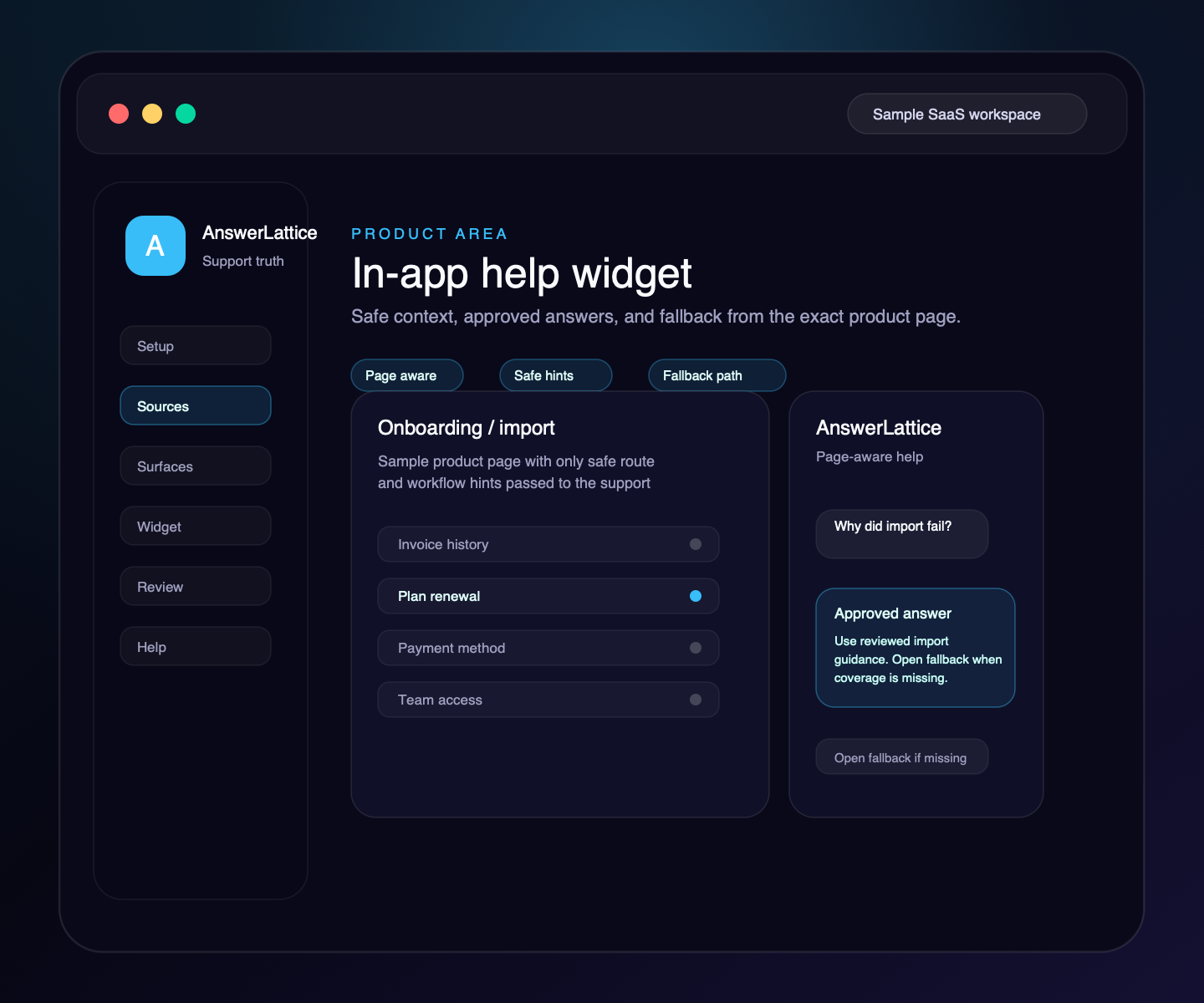
The widget lets users ask from the page where they are stuck. It can use safe page, feature, workflow, role, or locale context to return support that matches the moment.
Hosted help
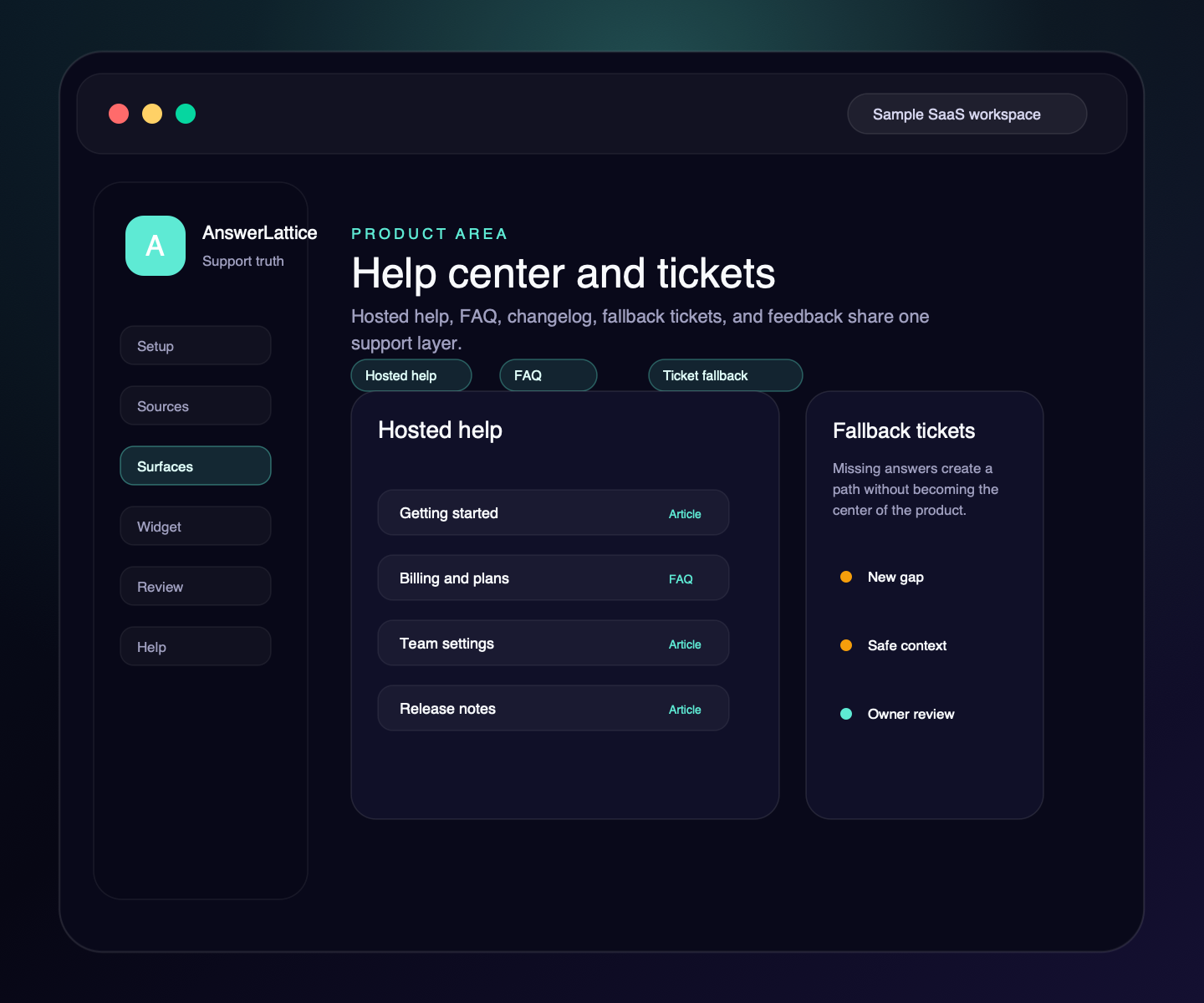
Give users a support home for docs, FAQs, owner answers, changelog, and common product questions. The help center and widget should work from the same reviewed knowledge.
Approved answers
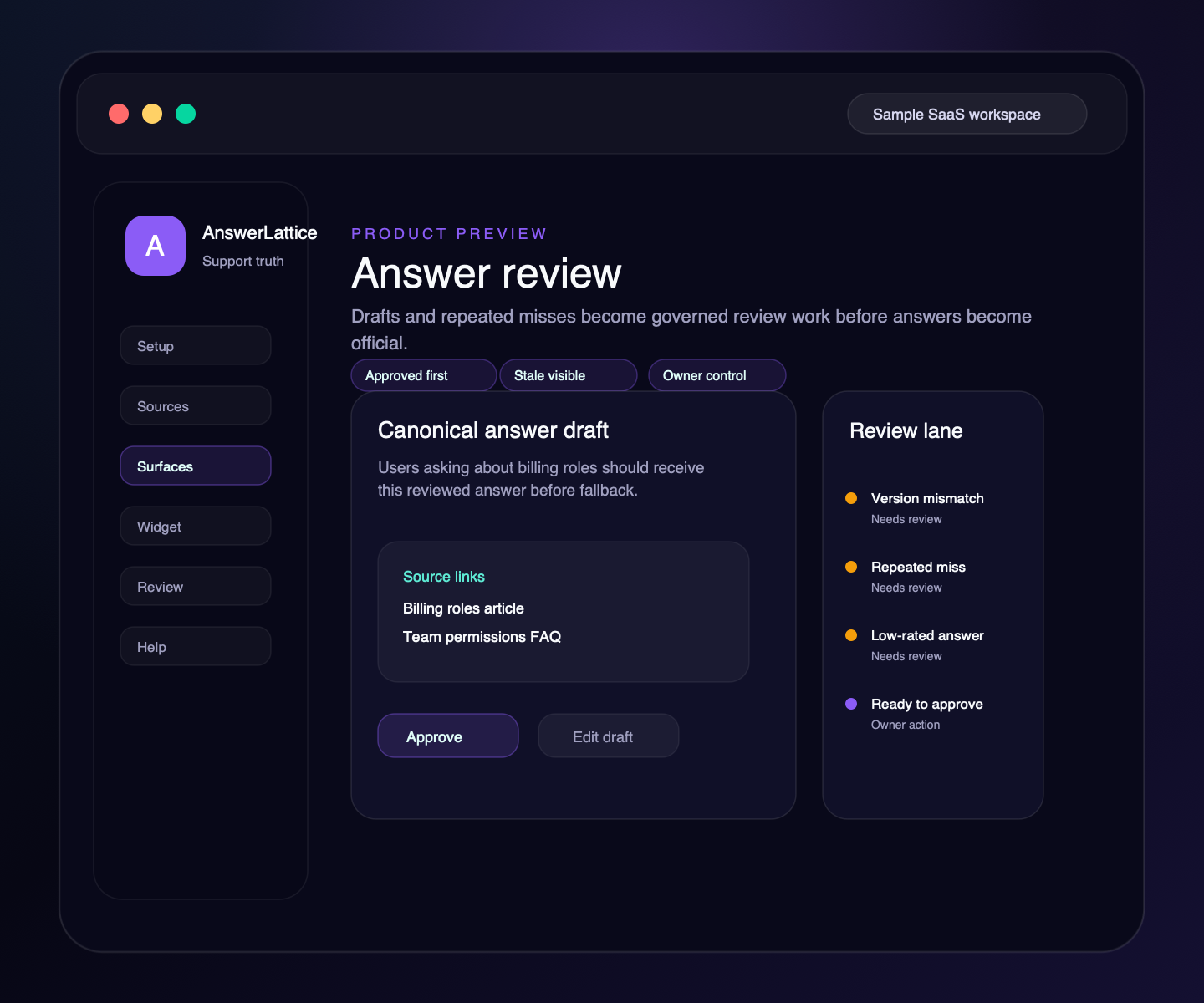
AI can help draft, but owner review decides what becomes official support.
Approved answer
Payment may fail if the card was declined, the billing address does not match, or bank verification is required. Ask the owner to retry the card, confirm the billing address, or contact the bank before opening a support ticket.
Review loop
Fallback, repeated questions, and stale guidance move into owner review before any answer becomes official.
A missing answer becomes visible support work.
Draft improvements wait for human approval.
Approved guidance serves the next user first.
Fallback
AnswerLattice should be honest about missing coverage. Fallback creates a support path and a support improvement signal.
A question arrives from Billing, Onboarding, Settings, or another product page.
No approved answer or owner answer safely covers the question.
The user can contact support with safe page context attached.
The missing answer becomes visible review work.
Owner review can turn the gap into an approved answer.
Release support
Fast-moving SaaS products break support knowledge quietly. Releases can affect onboarding flows, billing rules, FAQ answers, and widget guidance.
Onboarding page, setup article, FAQ, widget prompt
2 stale answers, 1 article update, 1 new answer candidate
Approve, edit, or reject support changes
Future onboarding questions use updated guidance
Founder review
Daily Brief, Knowledge Map, Product Friction Evidence, release impact, and Answer Tests use the same product and support context. Each view keeps the owner in control and routes to the next exact review step.
Every day
See up to four focused current decisions, or a clear quiet state when the available evidence needs no action. The brief reads support summaries, stays read-only, and routes you to the right review screen.
See daily support controlSupport coverage
Review product relationships, approved-answer coverage, stale guidance, and review state from the existing bounded graph summary. It is a focused decision view, not a raw graph or diagram editor.
Explore answer reviewCustomer pressure
Compare mapped product areas across completed seven-day windows, then open the exact area in Knowledge Map. Weighted support load helps prioritize review; it is not a root-cause or product-health score.
See friction reviewBefore release
See directly linked approved answers and current linked Answer Tests before activating a versioned release. Owner confirmation remains required, and stale impact previews are rejected.
See release reviewAnswer assurance
Check priority questions, expected sources, required or forbidden claims, evidence, fallback, escalation, and no-answer behavior. These deterministic checks are regression evidence, not an independent correctness guarantee, and never change a release. A rollback request creates a draft for owner review. It never overwrites the live answer or applies a rollback automatically. Provider-backed fallback cannot certify critical proof.
Review answer controlsDuring an issue
Publish an approved, contextual notice with an expiry and optional HTTPS status link while permanent support answers remain unchanged.
See contextual helpTrusted context
Optionally sign short-lived visitor context on your server. Invalid tokens lose signed-only identity claims while normal page-aware support continues. When owners attach up to three support-safe HTTPS evidence links, AnswerLattice stores them with private widget-search activity and never fetches or embeds them.
Read the developer boundaryData portability
Authorized owners can use Support Truth Export to download a complete bounded JSON package of approved knowledge and product structure. Tickets, conversations, secrets, and raw audit logs stay out.
Review data boundariesReview rhythm
Coverage, fallback, stale answers, and draft improvements should be visible without forcing founders to inspect every ticket manually.
Trust mechanism
Page context, approved answers, stale-answer review, and repeated gaps work together so official support stays reviewable.
Review product relationships, answer coverage, drift, and support concepts without exposing a raw internal graph.
Reviewed answers are served before fallback so users get the same official guidance.
Releases and support signals can flag guidance that may need owner review.
Tickets, ratings, feedback, and recurring fallback become review inputs.
Difference
The product should feel broad enough to support a launch, but narrow enough to avoid helpdesk expectations.
Answers require owner review before they become official support.
Tickets, feedback, and releases show what support knowledge is missing or stale.
Users get support inside the product, not only on a separate docs site.
Fallback becomes support improvement work instead of only a queue.
Built for founders before a dedicated support team exists.
After signup
Self-serve setup should move a founder from source intake to approved answers, widget install, hosted help, and first review work.
Why AnswerLattice
AnswerLattice turns scattered product knowledge into the standard support knowledge behind your help center, widget, tickets, release notes, and future AI agents.
Ready when users arrive
Turn scattered product knowledge into an in-app widget, hosted help, approved answers, ticket fallback, changelog support, feedback, and review loop.