
Used in
Widget, hosted help, tickets, and review
Proactive Help
AnswerLattice uses owner-approved page triggers to suggest relevant help and can show a temporary, expiring known-issue notice from the widget without rewriting permanent support knowledge.
Widget, hosted help, tickets, and review
Drafts stay review work until approved
See what this feature changes in the support loop
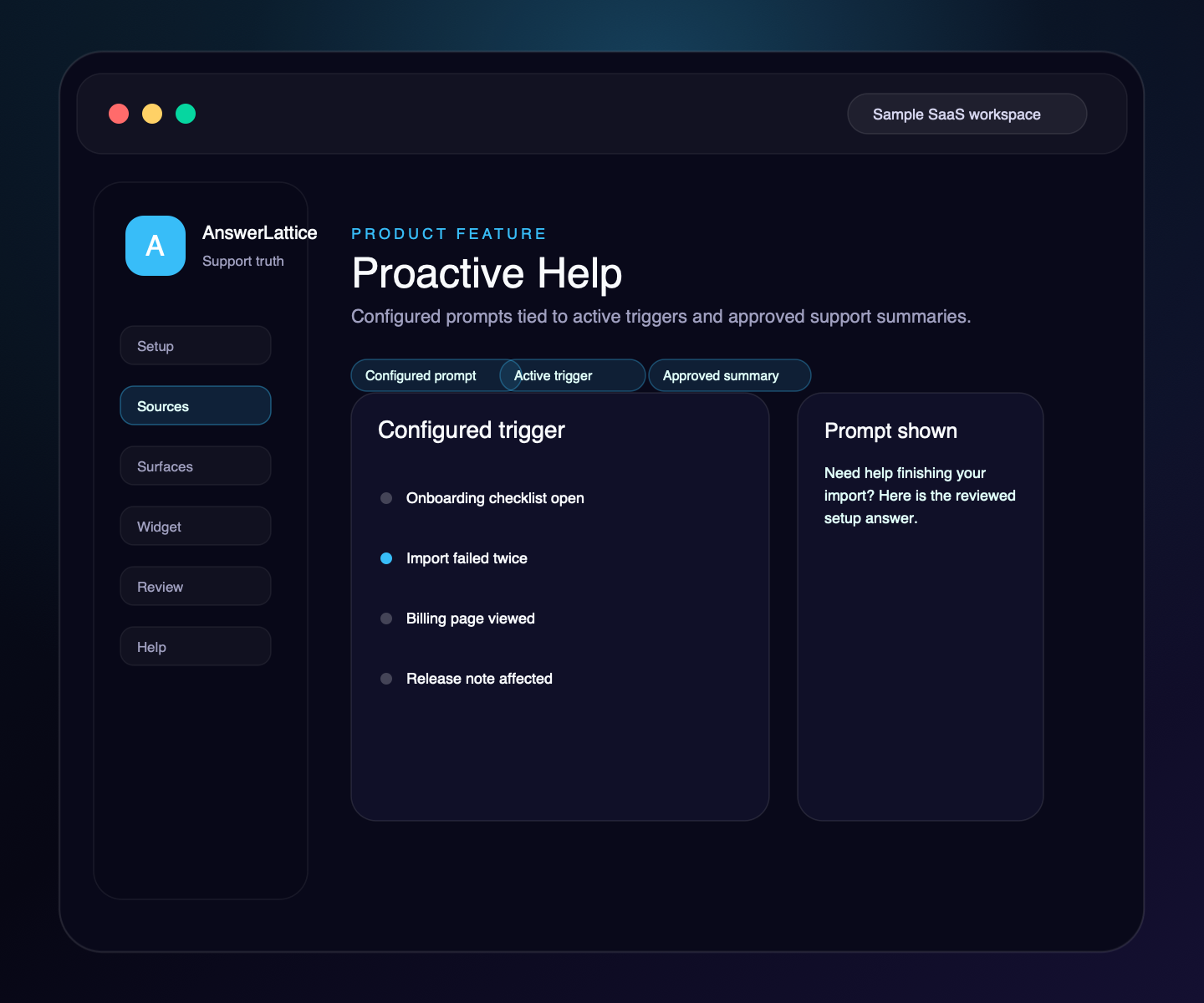
Proactive Help
The widget should not guess or interrupt everywhere. AnswerLattice keeps proactive prompts tied to active triggers, safe page context, cached trigger summaries, and approved support content.
01 / Proactive Help
Use safe route, feature, workflow, plan, or role context to match a prompt to the screen where the user is working.
Resolved trigger summaries can point to reviewed answers or support content instead of running broad lookup on every page view.
Runtime configuration tells the widget whether proactive help is enabled, so inactive tenants avoid unnecessary API calls.
When no active triggers exist, negative caching avoids repeated backend checks for the same page context.
Allowed origins, blocked routes, and safe context rules still apply before any proactive prompt appears.
Set an approved issue message, affected page context, active window, and optional HTTPS status link. Expired or resolved notices stop rendering while approved answers stay unchanged.
Workflow
Proactive help stays owner-controlled: configure the page trigger, attach approved support, let the widget display it only when eligible, and review feedback.
Attach the route or workflow to the product area where users need help.
Configure reviewed help or a temporary known-issue notice for that page context.
Attach reviewed support content or an approved answer summary.
The widget checks capability state before requesting proactive help.
Use feedback and fallback signals to improve the trigger or support content.
Connected support outputs
A proactive suggestion is still support knowledge. It must stay scoped to product context, approved content, widget controls, and reviewable signals.
Proactive Help turns structured support knowledge, safe page context, and owner approval into usable support output.
Docs, tickets, releases, screenshots, recordings, and notes become widget help, hosted help, fallback, and answer review from one workspace.
Owner-approved page triggers
The prompt appears inside the same safe in-app runtime controls.
Suggestions can point to reviewed answer summaries instead of free-form guesses.
Triggers stay attached to routes, workflows, and product areas.
Feedback and fallbacks keep proactive help reviewable.
Temporary notices use the same bounded page-aware runtime but never replace an approved answer.
Support output layer
A founder may start with proactive help, but the value comes from turning it into setup, in-app support, hosted help, fallback, and approved-answer review.
Each feature is explained as something buyers already recognize: docs, FAQs, releases, tickets, feedback, notifications, or review work.
The feature does not live alone. It helps turn scattered product knowledge, tickets, and signals into widget answers, hosted help, fallback, and owner review.
Drafts, generated content, ticket gaps, and feedback remain reviewable before anything becomes official support.
Create your workspace, add team access, turn starter sources into reviewed support drafts, and map the pages where users need help.
Install one widget, pass safe page hints, accept explicit screenshot context, allow exact app origins, and answer users inside your app.
Turn scattered product knowledge into scannable docs, FAQs, owner answers, release notes, widget help, fallback tickets, feedback, and a focused read-only owner brief.
See missing, stale, or release-affected support, review proposed changes, and approve what becomes official.
Worth checking
Answer the evaluation questions before setup: how it launches, what stays safe, and how it differs from nearby support tools.
Show how the feature fits into the widget, hosted help, fallback, and owner review before users depend on it.
View product mapReview safe page context, blocked private data, owner roles, fallback behavior, and approved-answer review.
Review securitySee where AnswerLattice fits against chatbots, helpdesks, and static knowledge bases without treating them as the same product.
Compare optionsQuestions
No. It should appear only when configured and enabled for the workspace, with runtime capability checks preventing unnecessary calls when inactive.
No. Proactive prompts should point to approved support content or reviewable fallback paths. They do not publish new official answers by themselves.
The runtime is designed to skip proactive calls when the feature is disabled and use trigger summaries and negative caching when no active triggers exist.
No. It is a contextual widget notice with an optional link to your existing HTTPS status or help page. It does not add subscribers, incident timelines, or a public status site.
AnswerLattice works best when proactive help feeds widget answers, hosted help, tickets, and answer review from the same reviewed support knowledge.