
Used in
Widget, hosted help, tickets, and review
Workflow Notifications
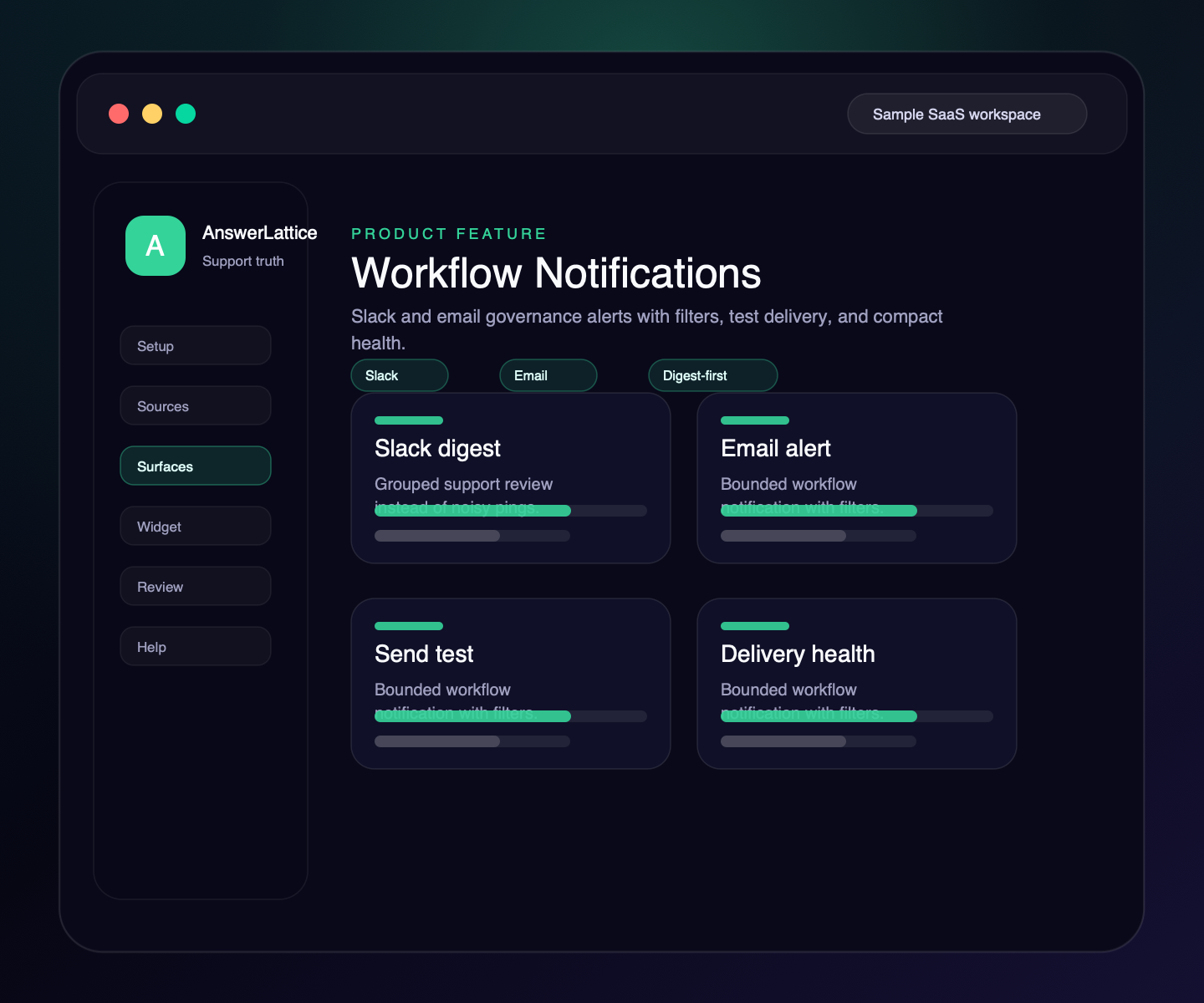
Send bounded Slack and email notifications for the support events owners should actually see: nightly review summaries, critical coverage drops, repeated workflow failures, and controlled test messages.
Widget, hosted help, tickets, and review
Drafts stay review work until approved
See what this feature changes in the support loop
Workflow Notifications
AnswerLattice keeps workflow notifications tied to support review. Routine stale-answer review, gaps, and draft activity can roll into digest output, while coverage and repeated-failure events can alert after the nightly run.
01 / Workflow Notifications
Add a Slack destination and choose the support events that should reach the channel.
Add owner or team recipients for the same support review events without forcing everyone into the dashboard.
Verify the destination before relying on it for production support movement.
Use digest-first delivery for normal stale-answer review, draft, gap, and summary activity so owners are not spammed.
Show the latest sanitized success, failure, or rate-limited result without exposing raw provider responses or delivery logs.
Rate limits and retention policies keep notification work bounded as tenants, events, and recipients grow.
Workflow
Notifications should help owners act, not recreate raw logs. AnswerLattice keeps configuration, testing, delivery, and health review in one workflow.
Add Slack or email destinations for the workspace.
Select the support events that deserve notification.
Confirm the destination and capture delivery status.
Routine movement rolls into digest; critical events can alert sooner.
Use the compact health summary instead of reading delivery logs.
Connected support outputs
Workflow notifications are useful only when they point owners back to the support content, answers, tickets, and review items that need attention.
Workflow Notifications turns structured support knowledge, safe page context, and owner approval into usable support output.
Docs, tickets, releases, screenshots, recordings, and notes become widget help, hosted help, fallback, and answer review from one workspace.
Slack webhook and email recipients
Coverage drops, stale answers, draft improvements, and failed support paths can reach owners.
Fallback activity can be summarized without making every ticket an alert.
Normal support movement stays grouped for owner review.
Slack, email, filters, test delivery, and health remain owner-controlled.
Support output layer
A founder may start with workflow notifications, but the value comes from turning it into setup, in-app support, hosted help, fallback, and approved-answer review.
Each feature is explained as something buyers already recognize: docs, FAQs, releases, tickets, feedback, notifications, or review work.
The feature does not live alone. It helps turn scattered product knowledge, tickets, and signals into widget answers, hosted help, fallback, and owner review.
Drafts, generated content, ticket gaps, and feedback remain reviewable before anything becomes official support.
Create your workspace, add team access, turn starter sources into reviewed support drafts, and map the pages where users need help.
Install one widget, pass safe page hints, accept explicit screenshot context, allow exact app origins, and answer users inside your app.
Turn scattered product knowledge into scannable docs, FAQs, owner answers, release notes, widget help, fallback tickets, feedback, and a focused read-only owner brief.
See missing, stale, or release-affected support, review proposed changes, and approve what becomes official.
Worth checking
Answer the evaluation questions before setup: how it launches, what stays safe, and how it differs from nearby support tools.
Show how the feature fits into the widget, hosted help, fallback, and owner review before users depend on it.
View product mapReview safe page context, blocked private data, owner roles, fallback behavior, and approved-answer review.
Review securitySee where AnswerLattice fits against chatbots, helpdesks, and static knowledge bases without treating them as the same product.
Compare optionsQuestions
No. The production default should stay digest-first, with immediate alerts reserved for critical coverage or repeated failure conditions.
Yes. Slack webhook and email recipient configuration are owner-facing. Jira, Linear, GitHub, Notion, and custom webhook destinations are not currently offered.
No. Public and notification copy should describe the support event and destination without exposing tenant, store, or raw implementation identifiers.
AnswerLattice works best when workflow notifications feeds widget answers, hosted help, tickets, and answer review from the same reviewed support knowledge.