
Used in
Widget, hosted help, tickets, and review
Changelog
AnswerLattice turns changelog entries into support review triggers by mapping releases to product areas, tags, and support content.
Widget, hosted help, tickets, and review
Drafts stay review work until approved
See what this feature changes in the support loop
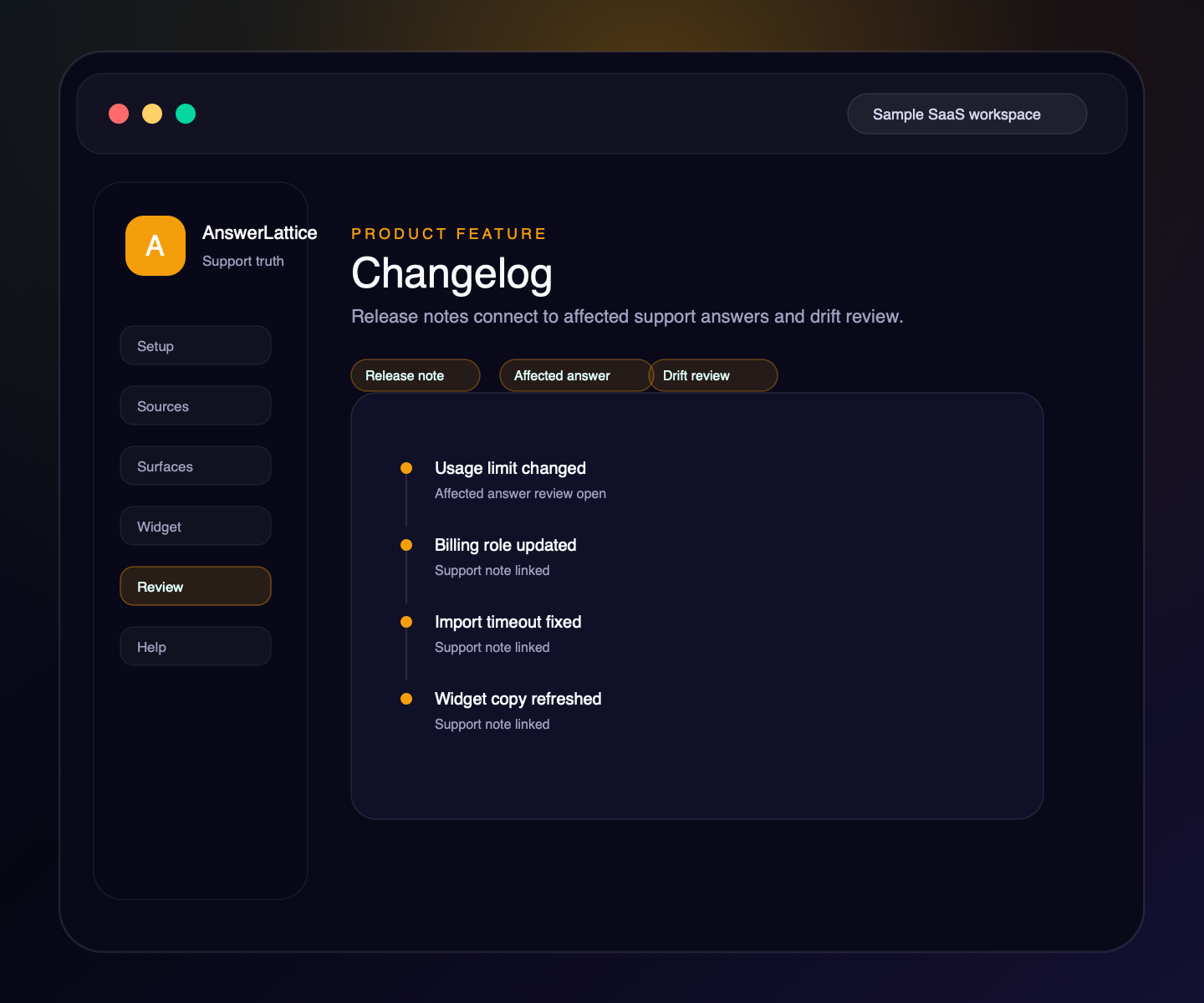
Changelog
A changelog should do more than announce features. In AnswerLattice it also helps owners see which answers, articles, and FAQs may need review after a release.
01 / Changelog
Publish release notes that users can read from hosted help or the in-app widget without exposing workspace internals.
Map changes to routes, workflows, tags, and product details so support context understands what changed.
Point users to updated docs and help owners find support content that needs follow-up.
Before a versioned release is activated, review directly linked approved answers and current linked Answer Tests.
If the answer, version, or review inputs change during review, AnswerLattice requires a fresh owner confirmation.
Help Center and widget surfaces can show relevant product movement beside current support answers.
Workflow
AnswerLattice treats product changes as support events. When the product moves, support content gets a review path.
Describe what changed in customer-readable language while the versioned note remains private.
Map the update to product details, pages, workflows, tags, and related articles.
Inspect linked approved answers and current linked Answer Tests without changing either one.
The owner confirms the current preview before the reviewed release activates and the linked note publishes.
Connected support outputs
Changelog entries help support stay accurate because product movement can become article updates, answer review, FAQ refreshes, ticket signals, and stale-answer checks.
Changelog turns structured support knowledge, safe page context, and owner approval into usable support output.
Docs, tickets, releases, screenshots, recordings, and notes become widget help, hosted help, fallback, and answer review from one workspace.
Publish release notes for customers
Release notes point to articles that explain the change.
Affected answers can be reviewed after product changes.
Short answers can be refreshed when release behavior changes.
Post-release tickets and feedback reveal where users remain confused.
Support output layer
A founder may start with changelog, but the value comes from turning it into setup, in-app support, hosted help, fallback, and approved-answer review.
Each feature is explained as something buyers already recognize: docs, FAQs, releases, tickets, feedback, notifications, or review work.
The feature does not live alone. It helps turn scattered product knowledge, tickets, and signals into widget answers, hosted help, fallback, and owner review.
Drafts, generated content, ticket gaps, and feedback remain reviewable before anything becomes official support.
Create your workspace, add team access, turn starter sources into reviewed support drafts, and map the pages where users need help.
Install one widget, pass safe page hints, accept explicit screenshot context, allow exact app origins, and answer users inside your app.
Turn scattered product knowledge into scannable docs, FAQs, owner answers, release notes, widget help, fallback tickets, feedback, and a focused read-only owner brief.
See missing, stale, or release-affected support, review proposed changes, and approve what becomes official.
Worth checking
Answer the evaluation questions before setup: how it launches, what stays safe, and how it differs from nearby support tools.
Show how the feature fits into the widget, hosted help, fallback, and owner review before users depend on it.
View product mapReview safe page context, blocked private data, owner roles, fallback behavior, and approved-answer review.
Review securitySee where AnswerLattice fits against chatbots, helpdesks, and static knowledge bases without treating them as the same product.
Compare optionsQuestions
No. The public update is useful, but the support value comes from turning each change into review work for affected support content.
Yes, when it is relevant to the current product area and safe to show as related support context.
No. Release impact can create review work, but official answers remain human-approved.
No. If the directly linked answer or review inputs change, the preview must be refreshed and confirmed again.
AnswerLattice works best when changelog feeds widget answers, hosted help, tickets, and answer review from the same reviewed support knowledge.