
Page context
Safe page hints make support relevant
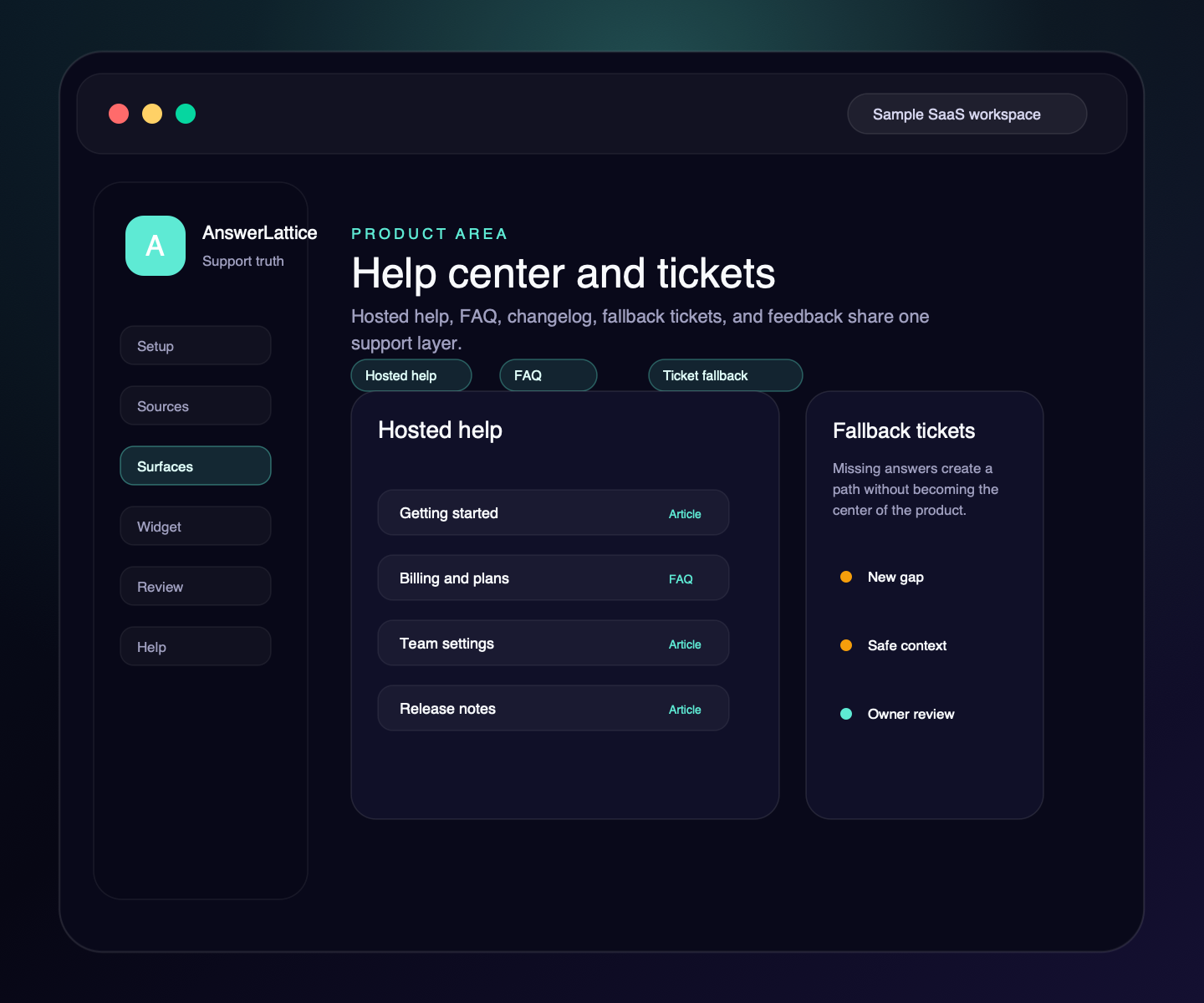
Help center and tickets
AnswerLattice gives scattered product docs, notes, tickets, replies, releases, feedback, and screenshots a practical support structure: hosted help, scannable articles, in-app answers, contextual issue notices, custom owner answers, ticket fallback, private Support Board follow-up, a focused read-only Daily Brief, and owner notifications.
Safe page hints make support relevant
Approved answers come before fallback
A person approves customer-facing guidance
Widget, hosted help, tickets, and feedback share reviewed knowledge
Where this fits
Founders can start with one support problem, then turn scattered product material, user-facing surfaces, owner control, and support-gap review into one workflow.
Docs, product pages, FAQs, release notes, screenshots, tickets, and repeated replies become setup material.
The widget, hosted help center, FAQ, changelog, and ticket fallback share the same support layer.
Drafts and generated guidance stay review work until the owner approves what becomes official.
Fallback, ratings, feedback, and stale support turn into the next review pass.
What this gives the owner
Instead of a standalone docs site, isolated ticket inbox, and separate release notes, AnswerLattice turns scattered product material into customer support organized by product area.
01 / Help center and tickets
Long-form articles remain available for reviewed support content, while public topic maps let readers jump to the section they need.
Safe page hints make support relevant
Approved answers come before fallback
A person approves customer-facing guidance
Widget, hosted help, tickets, and feedback share reviewed knowledge
Owner-written answers and article-backed FAQs give users short answers and keep related article context nearby.
Release notes can trigger a review of affected answers and product areas.
Help Center feedback can be reviewed by owners, grouped by product area, and moved into Support Board when it reveals a support gap.
Tickets can include capped, sanitized debugging context to reduce back-and-forth.
Owners can track selected support gaps, private notes, status history, and draft-answer follow-up.
Slack and email delivery can surface digest output, coverage drops, repeated failures, and test results.
Publish an approved, contextual widget notice with an active window while permanent support answers remain unchanged.
See up to four focused decisions from current support summaries, or a clear quiet state when the evidence needs no action. The brief never changes support data.
Workflow
Support Control is practical: publish help, answer users, accept fallback tickets, collect feedback, track selected follow-up on Support Board, notify owners when attention is needed, and turn unresolved issues into review work.
Start from the read-only Daily Brief and open the right review screen for any current answer risk, support gap, or measured friction.
Turn scattered docs, FAQs, custom answers, release notes, and product material into hosted help center content.
Let readers use safe published headings to jump to the section they need without exposing private review records.
Assign content to the routes and workflows where users need it.
Serve approved answers, owner FAQ answers, and related support before fallback.
When coverage is missing, route the user to a ticket with safe context.
Use feedback, ratings, requests, and suggestions by product area to spot support content gaps.
Use Support Board for private notes, status history, and draft-answer handoff when an item needs owner review.
Use Slack or email for test delivery, critical alerts, and digest-first support review summaries.
Open mapped friction, release, and answer-review work with the selected context intact instead of searching for the same issue again.
Before you launch
Remove evaluation doubt with setup, security, and category-fit checks that stay tied to the implemented product.
Check the widget contract, framework guides, safe context rules, and verification path before launch.
Open install guideReview what the widget can see, what stays blocked, and how owner-approved answers become official support.
Review securityCompare AnswerLattice with chatbots, helpdesks, and static knowledge bases before choosing the support layer.
Compare options