
Used in
Widget, hosted help, tickets, and review
Feedback Review
Collect ratings, product-area feedback, feature requests, and suggestions, then group useful items by product area before they become private follow-up or draft answer improvements.
Widget, hosted help, tickets, and review
Drafts stay review work until approved
See what this feature changes in the support loop
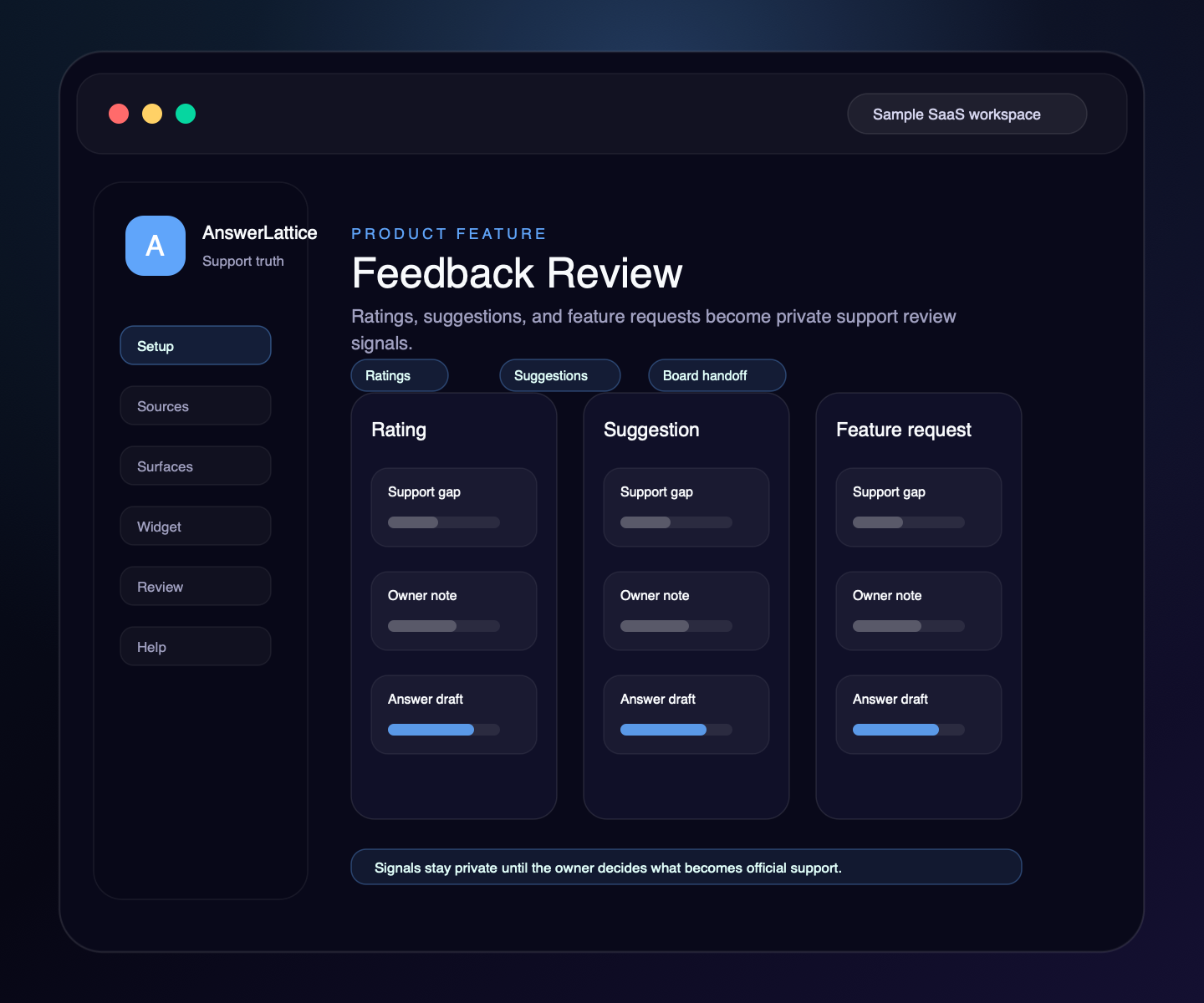
Feedback Review
AnswerLattice keeps feedback private to the workspace, grouped by the right product area, and useful for support improvement only after owner review.
01 / Feedback Review
End users can send general feedback, rate their experience, report product-area confusion, request a feature, or leave a suggestion from the Help Center.
Owners and support staff can inspect feedback inside the AnswerLattice workspace without mixing it into another product or workspace.
Owners can assign, change, clear, and filter feedback by the product area it belongs to without asking users to classify it.
Low ratings and repeated complaints become support signals, so owners can see where help content is failing users.
Useful feedback can become a private Support Board card with source context, priority, tags, and follow-up notes.
Feedback can inform draft answers, but it does not auto-publish knowledge or rewrite customer-facing support.
Feedback rows and signal events are written with AnswerLattice product, tenant, and workspace scope, while owner review uses bounded reads and indexed queries.
Workflow
Feedback Review gives SaaS owners a clean path from raw end-user input to support follow-up without adding public voting, roadmap management, or helpdesk workflow bloat.
The Help Center captures the selected feedback type, rating, product area, request, or suggestion.
The feedback row stays scoped to pId, tId, and sId, and a lightweight signal event is emitted when enabled.
The dashboard shows recent feedback with type, rating, user context, submitted details, and optional product-area assignment.
The owner can leave the row as feedback, move it to Support Board, or use it as evidence for draft-answer review.
Any reusable answer still goes through owner review before it becomes official support knowledge.
Connected support outputs
Feedback Review is useful because end-user sentiment can become Support Board work, visible support gaps, product-area context, and reviewed answer improvements without becoming a separate feedback product.
Feedback Review turns structured support knowledge, safe page context, and owner approval into usable support output.
Docs, tickets, releases, screenshots, recordings, and notes become widget help, hosted help, fallback, and answer review from one workspace.
Ratings, product feedback, requests, and suggestions
End users submit feedback from the same help center where they ask questions.
Owners keep feedback grouped by the part of the product where the confusion belongs.
Feedback can join fallback, ticket, and conversation evidence for repeated-gap review.
Owners can promote selected feedback into private follow-up cards.
Draft answers stay human-reviewed before any support knowledge becomes official.
Support output layer
A founder may start with feedback review, but the value comes from turning it into setup, in-app support, hosted help, fallback, and approved-answer review.
Each feature is explained as something buyers already recognize: docs, FAQs, releases, tickets, feedback, notifications, or review work.
The feature does not live alone. It helps turn scattered product knowledge, tickets, and signals into widget answers, hosted help, fallback, and owner review.
Drafts, generated content, ticket gaps, and feedback remain reviewable before anything becomes official support.
Create your workspace, add team access, turn starter sources into reviewed support drafts, and map the pages where users need help.
Install one widget, pass safe page hints, accept explicit screenshot context, allow exact app origins, and answer users inside your app.
Turn scattered product knowledge into scannable docs, FAQs, owner answers, release notes, widget help, fallback tickets, feedback, and a focused read-only owner brief.
See missing, stale, or release-affected support, review proposed changes, and approve what becomes official.
Worth checking
Answer the evaluation questions before setup: how it launches, what stays safe, and how it differs from nearby support tools.
Show how the feature fits into the widget, hosted help, fallback, and owner review before users depend on it.
View product mapReview safe page context, blocked private data, owner roles, fallback behavior, and approved-answer review.
Review securitySee where AnswerLattice fits against chatbots, helpdesks, and static knowledge bases without treating them as the same product.
Compare optionsQuestions
No. Feedback Review is private owner review. Feature requests are captured as support signals, not public votes or roadmap commitments.
No. Feedback can create evidence for a support gap, but answers still require owner review before approval.
Yes. Selected feedback can become a private Support Board card when it needs follow-up, notes, status tracking, or draft-answer handoff.
SaaS feedback often exposes missing support content. Keeping it in AnswerLattice lets owners turn user confusion into better help without building a separate feedback platform.
AnswerLattice works best when feedback review feeds widget answers, hosted help, tickets, and answer review from the same reviewed support knowledge.