
Used in
Widget, hosted help, tickets, and review
Support Board
Track manual support cards, private owner notes, status history, assignee context, related product areas, and draft-answer handoff without turning AnswerLattice into a project-management tool.
Widget, hosted help, tickets, and review
Drafts stay review work until approved
See what this feature changes in the support loop
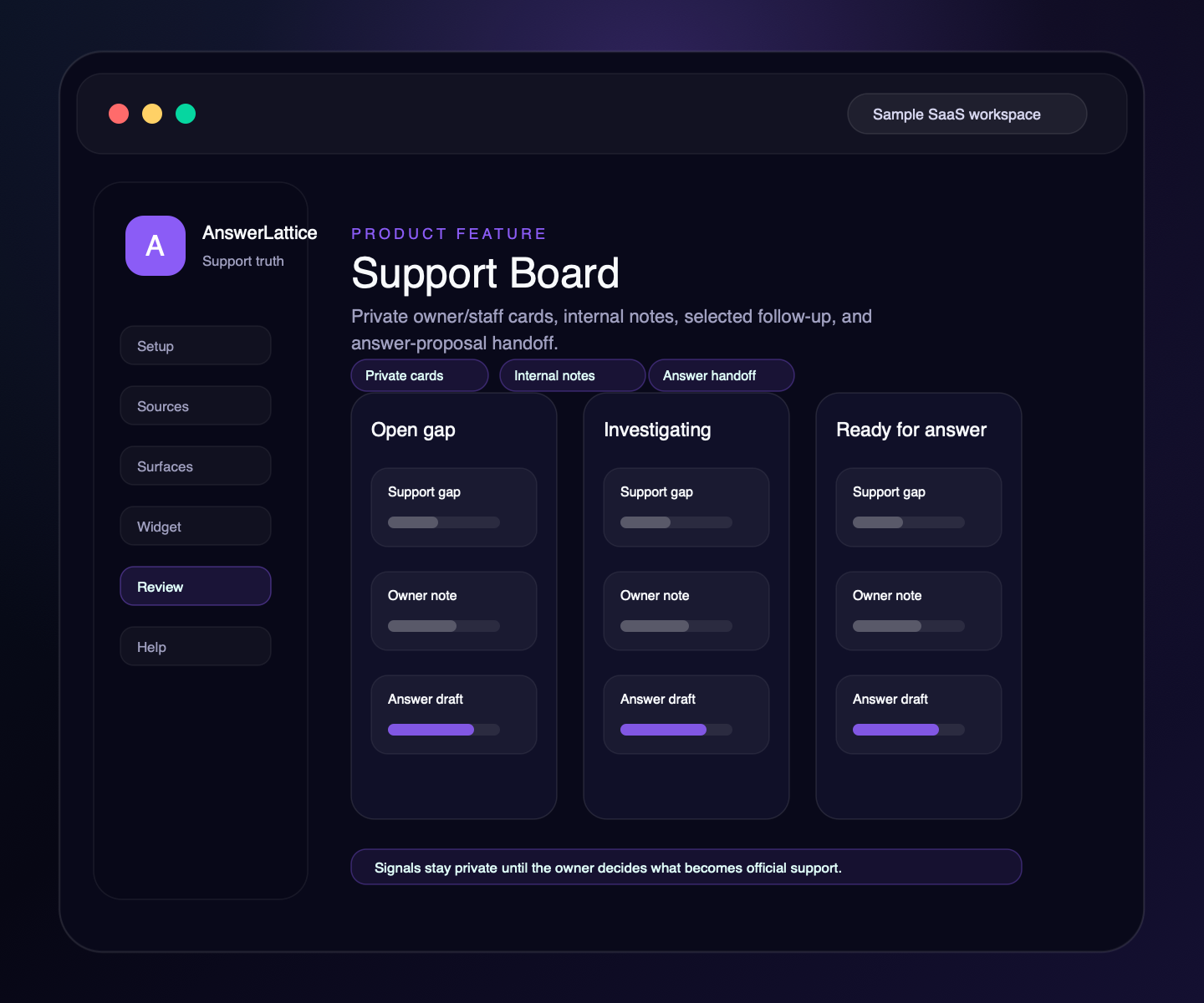
Support Board
Support Board is the owner/staff workboard for support gaps that need follow-up. Tickets, conversations, and signals keep their own screens; the board is for the items owners decide should become reviewed support work.
01 / Support Board
Add a manual card when a customer question, product gap, or support follow-up needs owner attention.
Store internal owner/staff context on the card. Notes stay private and never render in hosted help, widget answers, or public pages.
Use the current status for filtering while keeping a timestamped activity trail of status changes and remarks.
Add assignee, due date, priority, tags, and related customer/support context without building a full helpdesk workflow.
Attach the card to related product areas, tickets, conversations, or answers when that context makes review faster.
Turn a handled support card into a draft answer, then approve it before it becomes official.
Workflow
Support Board stays manual-first by default: owners create the cards that matter, add private context, move the item through review, and hand off answer work when needed.
Capture the support gap, unresolved question, or follow-up item the owner wants to track.
Record internal notes, assignee, priority, due date, and links to the relevant support objects.
Use current status for the board view while preserving timestamped status activity.
Link the item to a product area, answer, ticket, or conversation when that helps review.
Draft an answer only when the support item should become reusable support knowledge.
The review queue remains the approval step before an answer becomes official.
Connected support outputs
Support Board is useful because it sits above tickets, conversations, product areas, and answer work as an owner review lane. It should not replace those dedicated screens.
Support Board turns structured support knowledge, safe page context, and owner approval into usable support output.
Docs, tickets, releases, screenshots, recordings, and notes become widget help, hosted help, fallback, and answer review from one workspace.
Manual support cards and private notes
Fallback tickets stay in the ticket inbox; selected issues can become board follow-up.
Low-confidence conversations and feedback can inform cards without exposing chat logs publicly.
Cards can point to billing, onboarding, settings, integrations, releases, or error pages.
Draft answers created from cards still require owner approval before becoming official.
Support output layer
A founder may start with support board, but the value comes from turning it into setup, in-app support, hosted help, fallback, and approved-answer review.
Each feature is explained as something buyers already recognize: docs, FAQs, releases, tickets, feedback, notifications, or review work.
The feature does not live alone. It helps turn scattered product knowledge, tickets, and signals into widget answers, hosted help, fallback, and owner review.
Drafts, generated content, ticket gaps, and feedback remain reviewable before anything becomes official support.
Create your workspace, add team access, turn starter sources into reviewed support drafts, and map the pages where users need help.
Install one widget, pass safe page hints, accept explicit screenshot context, allow exact app origins, and answer users inside your app.
Turn scattered product knowledge into scannable docs, FAQs, owner answers, release notes, widget help, fallback tickets, feedback, and a focused read-only owner brief.
See missing, stale, or release-affected support, review proposed changes, and approve what becomes official.
Worth checking
Answer the evaluation questions before setup: how it launches, what stays safe, and how it differs from nearby support tools.
Show how the feature fits into the widget, hosted help, fallback, and owner review before users depend on it.
View product mapReview safe page context, blocked private data, owner roles, fallback behavior, and approved-answer review.
Review securitySee where AnswerLattice fits against chatbots, helpdesks, and static knowledge bases without treating them as the same product.
Compare optionsQuestions
No. Tickets stay in the ticket inbox. Support Board is the private owner workboard for selected support gaps, follow-up notes, and knowledge tasks.
No. The default public product story is manual-first. Ticket/signal sync and nightly board preparation are controlled rollout paths and are not on for every workspace by default.
No. Support Board notes are internal owner/staff context only. They do not appear in hosted help, widget responses, public APIs, or customer-facing docs.
No. Cards can create draft answers, but owner approval decides what becomes official support knowledge.
AnswerLattice works best when support board feeds widget answers, hosted help, tickets, and answer review from the same reviewed support knowledge.