
Used in
Widget, hosted help, tickets, and review
Knowledge Intake
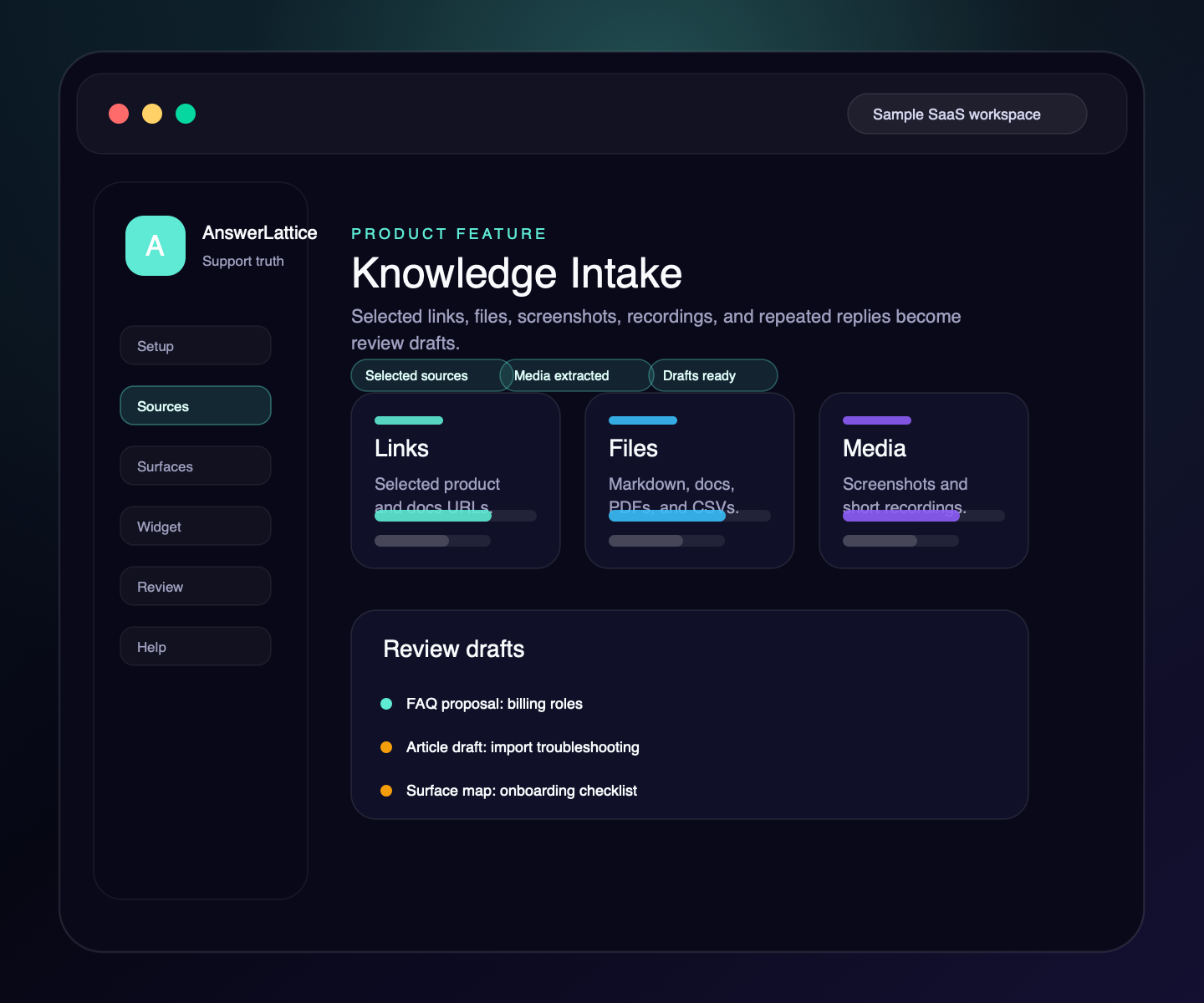
Start from product knowledge scattered across links, docs, FAQs, release notes, setup notes, support macros, repeated replies, files, screenshots, and short recordings. AnswerLattice prepares structured drafts for owner review before anything becomes support knowledge.
Widget, hosted help, tickets, and review
Drafts stay review work until approved
See what this feature changes in the support loop
Knowledge Intake
Knowledge Intake gives founders a first-session path from scattered product material to reviewed support content without creating an unbounded crawler or auto-publishing AI answers.
01 / Knowledge Intake
Paste a product or docs URL, review the support-worthy pages AnswerLattice finds, and import only the pages you choose.
Use TXT, Markdown, CSV, JSON, DOCX, and text-based PDF content as product material without retaining raw files by default.
Paste one question users keep asking and the answer the founder already sends. AnswerLattice prepares a FAQ and approved-answer draft for review.
Upload screenshots/images when UI evidence matters. AnswerLattice extracts support-relevant text, charges one support credit, and keeps only extracted source text for review.
Use short audio/video clips when founders have walkthroughs or customer explanations. Transcription is capped, credit-charged, and never becomes official without review.
Generate grouped drafts for articles, FAQs, product areas, and approved answers.
Accepted drafts publish into the existing support layer; official support answers still go through owner review.
Intake is owner-triggered, capped per job, license-gated, ledger-backed for paid media extraction, and avoids realtime listeners or hidden scheduler processing.
Workflow
Teach AnswerLattice is built for first setup: add sources, generate drafts, approve what is right, and publish into the same runtime the widget and hosted help already use.
Name the intake and add product/app URLs for context.
Import selected pages, pasted content, repeated replies, support macros, release notes, supported files, screenshots, or short support recordings.
Edit, accept, or reject drafts before they become customer-facing support.
Write approved content into the Knowledge Base, FAQ, product-area, or answer-review paths.
Connected support outputs
Published intake output turns scattered product material into the same structured knowledge used by hosted help, widget search, in-app suggestions, and answer review.
Knowledge Intake turns structured support knowledge, safe page context, and owner approval into usable support output.
Docs, tickets, releases, screenshots, recordings, and notes become widget help, hosted help, fallback, and answer review from one workspace.
Selected public links, files, screenshots, and short media
Accepted article drafts become reviewed KB content with embeddings attempted at publish time.
Short answers can publish as owner-reviewed FAQs tied to product material and context keys.
Selected page context can become support-aware route and workflow mappings.
Approved-answer drafts stay reviewable instead of auto-publishing official support.
Support output layer
A founder may start with knowledge intake, but the value comes from turning it into setup, in-app support, hosted help, fallback, and approved-answer review.
Each feature is explained as something buyers already recognize: docs, FAQs, releases, tickets, feedback, notifications, or review work.
The feature does not live alone. It helps turn scattered product knowledge, tickets, and signals into widget answers, hosted help, fallback, and owner review.
Drafts, generated content, ticket gaps, and feedback remain reviewable before anything becomes official support.
Create your workspace, add team access, turn starter sources into reviewed support drafts, and map the pages where users need help.
Install one widget, pass safe page hints, accept explicit screenshot context, allow exact app origins, and answer users inside your app.
Turn scattered product knowledge into scannable docs, FAQs, owner answers, release notes, widget help, fallback tickets, feedback, and a focused read-only owner brief.
See missing, stale, or release-affected support, review proposed changes, and approve what becomes official.
Worth checking
Answer the evaluation questions before setup: how it launches, what stays safe, and how it differs from nearby support tools.
Show how the feature fits into the widget, hosted help, fallback, and owner review before users depend on it.
View product mapReview safe page context, blocked private data, owner roles, fallback behavior, and approved-answer review.
Review securitySee where AnswerLattice fits against chatbots, helpdesks, and static knowledge bases without treating them as the same product.
Compare optionsQuestions
No. AnswerLattice discovers bounded candidates and imports only the pages the owner selects.
No. Intake creates review drafts. Owners accept and publish selected items before users see them.
No. It feeds the Knowledge Base, FAQ, product-area, and answer-review workflows. Release notes can be added as source context, while changelog publishing stays in the changelog workflow.
AnswerLattice works best when knowledge intake feeds widget answers, hosted help, tickets, and answer review from the same reviewed support knowledge.